What is Error Correction?
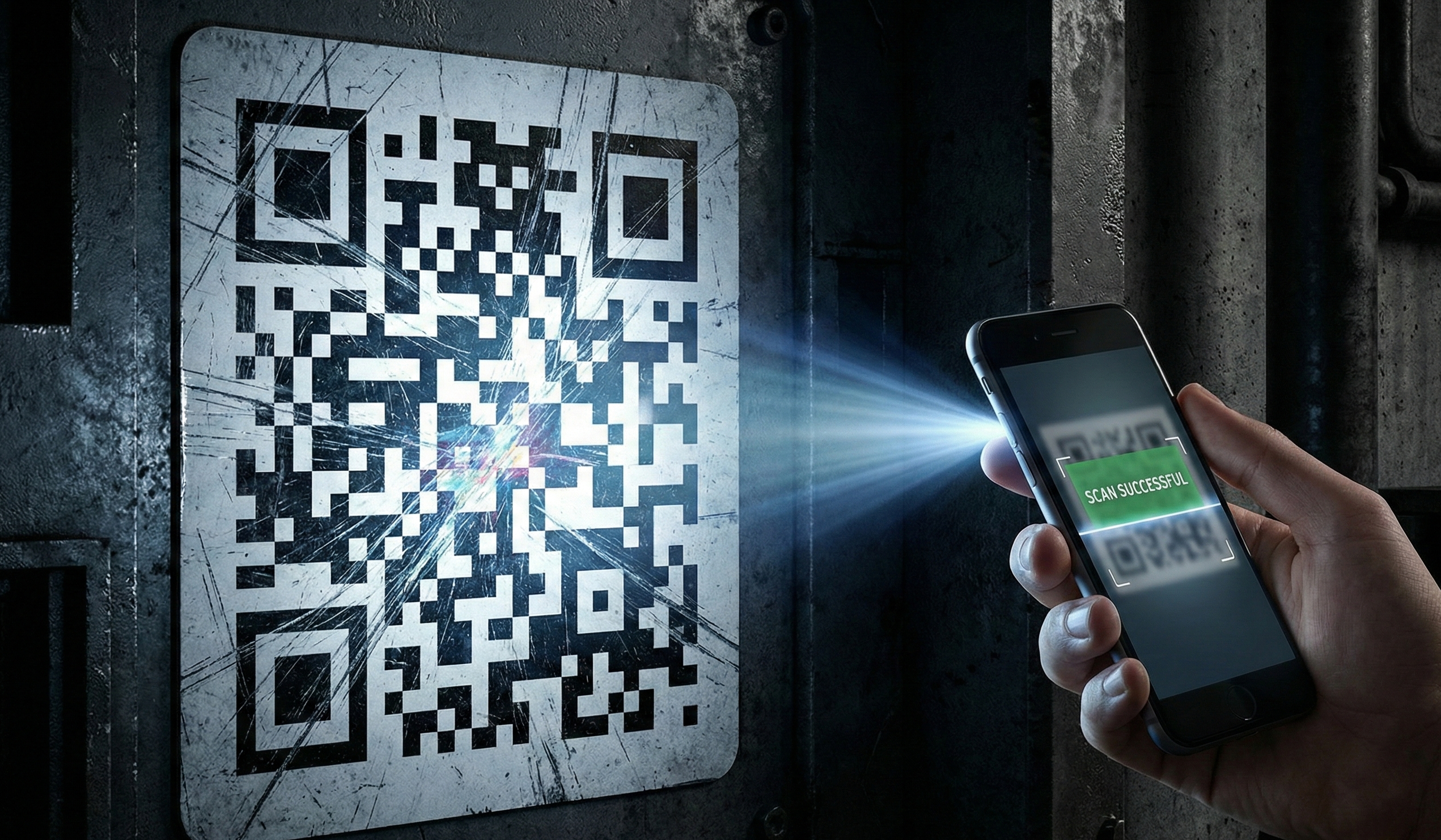
QR codes contain redundant data that allows them to be scanned even when partially damaged, dirty, or obscured. This is called error correction, and it's what makes QR codes so reliable in the real world.
The magic: A QR code with Level H error correction can lose up to 30% of its data and still scan perfectly.
How Error Correction Works (Simplified)
QR codes use Reed-Solomon error correction, the same algorithm used in CDs and DVDs. Here's the simplified version:
- Your data is encoded into the QR pattern
- Mathematical "parity" data is added
- When scanning, the algorithm uses parity to reconstruct missing parts
- Higher error correction = more parity data = larger QR code
The Four Error Correction Levels
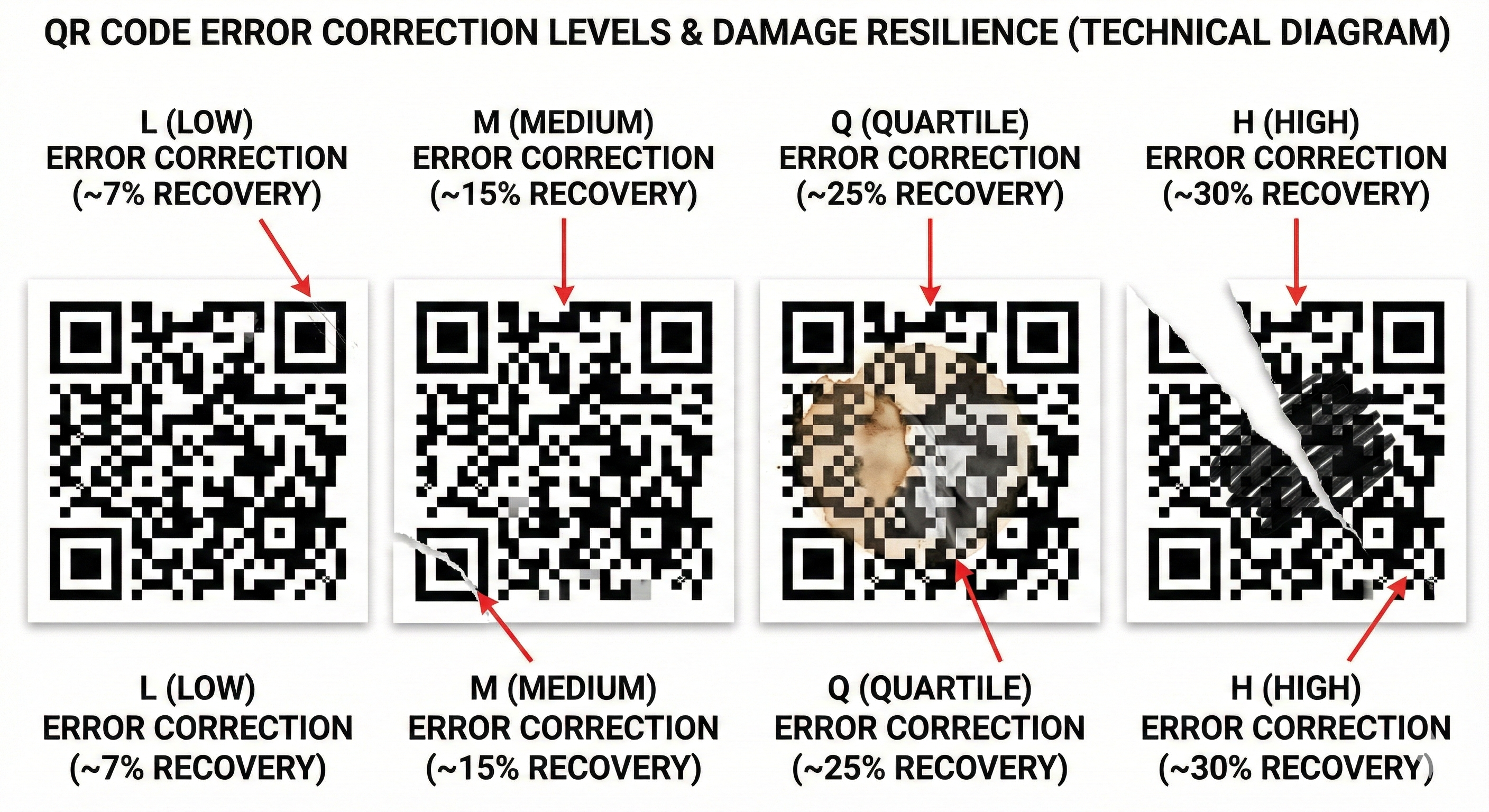
Level L (Low) - 7% Recovery
Characteristics:
- Smallest QR code possible
- Fastest to generate
- Least reliable in damage scenarios
Best Use Cases:
- Controlled environments (offices, museums)
- Large display sizes where damage is unlikely
- When file size/data density is critical
Real-World Performance:
- Works perfectly on screens and pristine prints
- Fails quickly with any damage or obstruction
Level M (Medium) - 15% Recovery
Characteristics:
- Balanced size and reliability
- Most common default setting
- Good all-around choice
Best Use Cases:
- General indoor applications
- Standard marketing materials
- When you're unsure which level to use
Real-World Performance:
- Handles minor scratches and dirt
- May fail with significant damage
Level Q (Quartile) - 25% Recovery
Characteristics:
- Larger than M, smaller than H
- Good outdoor tolerance
- Less common choice
Best Use Cases:
- Outdoor signage
- Industrial environments
- Locations with moderate wear expected
Real-World Performance:
- Handles significant scratches
- Works through light dirt and grime
- May struggle with major damage
Level H (High) - 30% Recovery
Characteristics:
- Largest QR code size
- Maximum reliability
- Best for harsh conditions
Best Use Cases:
- Small sizes (business cards, labels)
- Outdoor and industrial use
- Codes with logo overlays
- Curved surfaces (bottles, cans)
- Anything you print once and need to last
Real-World Performance:
- Survives significant damage
- Works through dirt, scratches, folds
- Handles partial obstruction (fingers, stickers)
Visual Size Comparison
Encoding the same URL at each level produces different sized codes:
| Level | Approximate Size Increase | Modules for 50-char URL |
|---|---|---|
| L | Baseline | 29 x 29 |
| M | +15% | 33 x 33 |
| Q | +25% | 37 x 37 |
| H | +35% | 41 x 41 |
When to Use Each Level
Choose Level L When:
- Displaying on screens only
- Size is absolutely critical
- Environment is perfectly controlled
- Code will never be printed
Choose Level M When:
- Standard indoor use
- Code is reasonably protected
- Good balance needed
- You're unsure what to pick
Choose Level Q When:
- Some outdoor exposure expected
- Industrial or warehouse use
- Moderate wear anticipated
- Space allows slightly larger code
Choose Level H When:
- Printing for real-world use
- Small sizes required
- Adding logos or design elements
- Outdoor or harsh environments
- Maximum reliability needed
- When in doubt
Why We Default to Level H
At GenerateQRcode.org, we use Level H for every code. Here's why:
-
Real-world conditions are unpredictable - Your business card will get bent. Your poster will get rained on. Your product label will get scratched.
-
The size penalty is minimal - A 35% larger QR code is barely noticeable in most applications.
-
Failed scans are costly - A customer who can't scan your code is a lost opportunity. The frustration damages your brand.
-
No do-overs with print - Once you print 10,000 flyers, you can't increase error correction.
-
Future-proofing - Conditions may worsen over time (fading, wear, dirt).
Error Correction and Logo Overlays
Want to put your logo in the center of a QR code? You're essentially "damaging" the code intentionally.
The math:
- Level H recovers from 30% damage
- A centered logo typically obscures 10-15% of the code
- This leaves 15-20% buffer for additional damage
Logo overlay rules:
- Always use Level H
- Keep logo under 20% of QR code area
- Use simple, high-contrast logos
- Test extensively before printing
Performance in Real Conditions
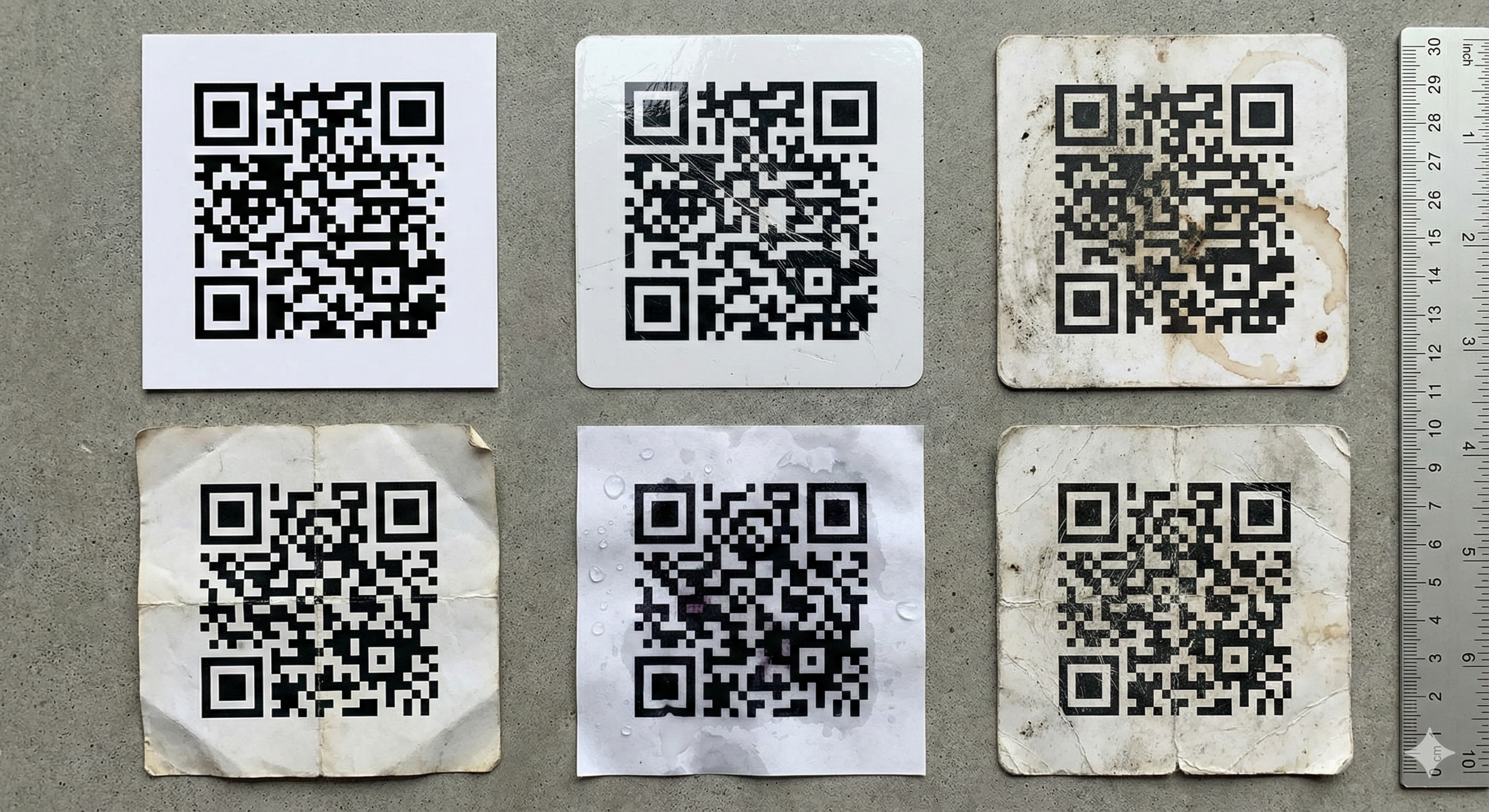
We tested QR codes in various conditions:
| Condition | Level L | Level M | Level Q | Level H |
|---|---|---|---|---|
| Clean print | ✅ 100% | ✅ 100% | ✅ 100% | ✅ 100% |
| Light scratches | ❌ 45% | ✅ 89% | ✅ 97% | ✅ 100% |
| Dirty/dusty | ❌ 23% | ⚠️ 67% | ✅ 91% | ✅ 98% |
| Creased/folded | ❌ 12% | ❌ 34% | ⚠️ 72% | ✅ 94% |
| Partial cover (10%) | ❌ 0% | ❌ 0% | ⚠️ 78% | ✅ 100% |
| Sun faded (6 mo) | ❌ 31% | ⚠️ 56% | ✅ 84% | ✅ 96% |
The Bottom Line
For digital display only: Level M is fine, Level L if size is critical.
For anything printed: Always use Level H. The size increase is negligible, and the reliability improvement is massive.
Our recommendation: Use Level H unless you have a specific, technical reason not to. It's the "insurance policy" for your QR codes.