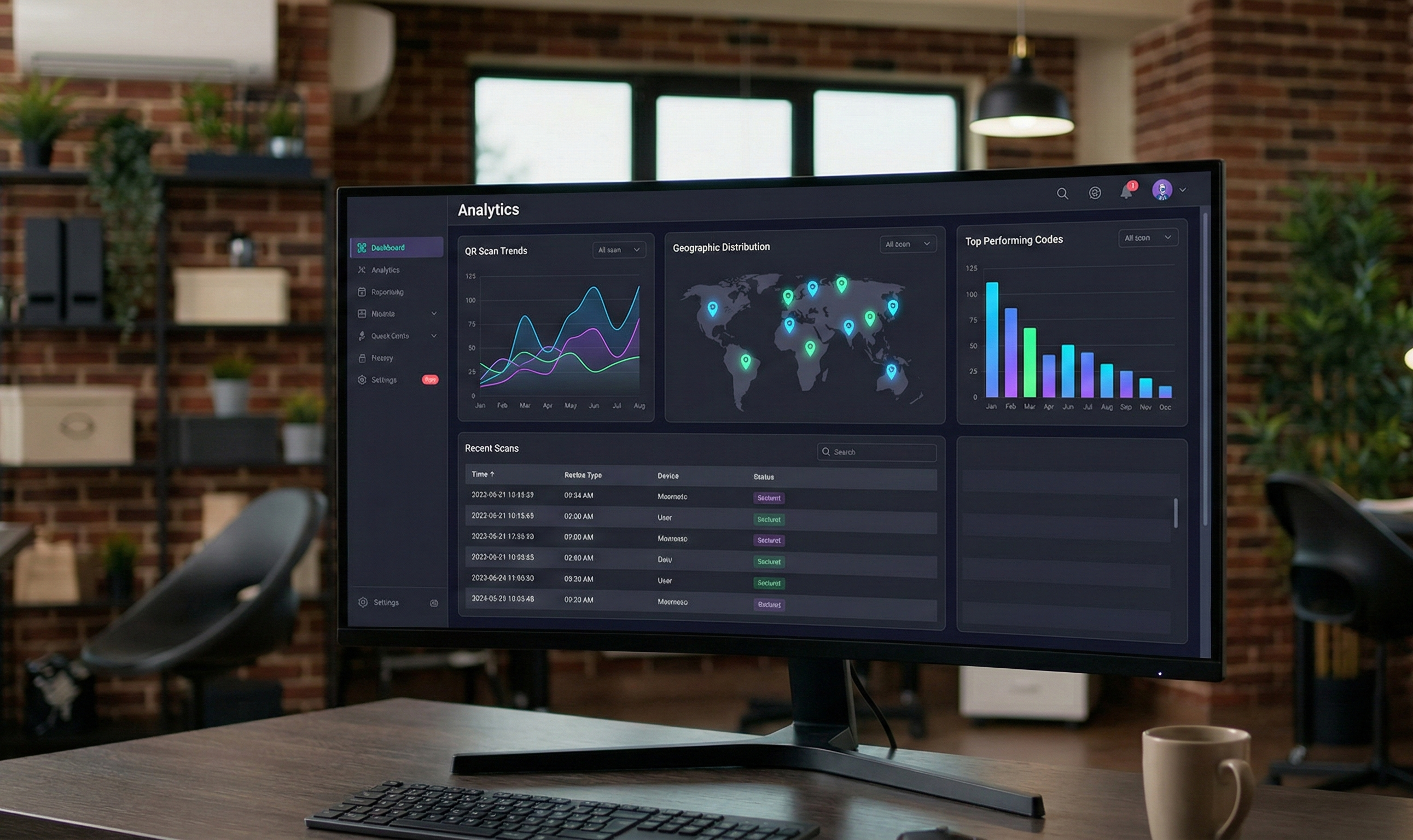
Why QR Code Tracking Matters
Printing QR codes without tracking is like running ads without measuring clicks. You're spending money but have no idea what's working.
What tracking tells you:
- How many people actually scanned
- When they scanned (time of day, day of week)
- Where they scanned from (location data)
- What device they used
- Whether they took action after scanning
Real business impact:
- Optimize placement based on scan data
- A/B test different designs and CTAs
- Calculate true ROI of print campaigns
- Identify your best-performing locations
Method 1: UTM Parameters (Free)
The simplest tracking method uses UTM parameters—tags added to your URL that show up in Google Analytics.
How to Set Up UTM Tracking
Step 1: Add parameters to your destination URL:
https://yoursite.com/landing?utm_source=flyer&utm_medium=qr&utm_campaign=spring2026&utm_content=lobby
Parameter breakdown:
- utm_source: Where the QR code is placed (flyer, poster, packaging)
- utm_medium: Always "qr" for QR codes
- utm_campaign: Campaign name (spring2026, product-launch)
- utm_content: Specific placement (lobby, table-5, storefront)
Step 2: Create your QR code with this full URL
Step 3: View results in Google Analytics:
- Go to Acquisition → Campaigns → All Campaigns
- Filter by medium = "qr"
UTM Best Practices
- Keep parameters lowercase and consistent
- Use descriptive but short names
- Create unique URLs for each placement
- Document your naming convention
UTM Limitations
- Only tracks clicks, not unique scanners
- No device or location data
- Requires Google Analytics setup
- Can't track repeat vs. new scanners
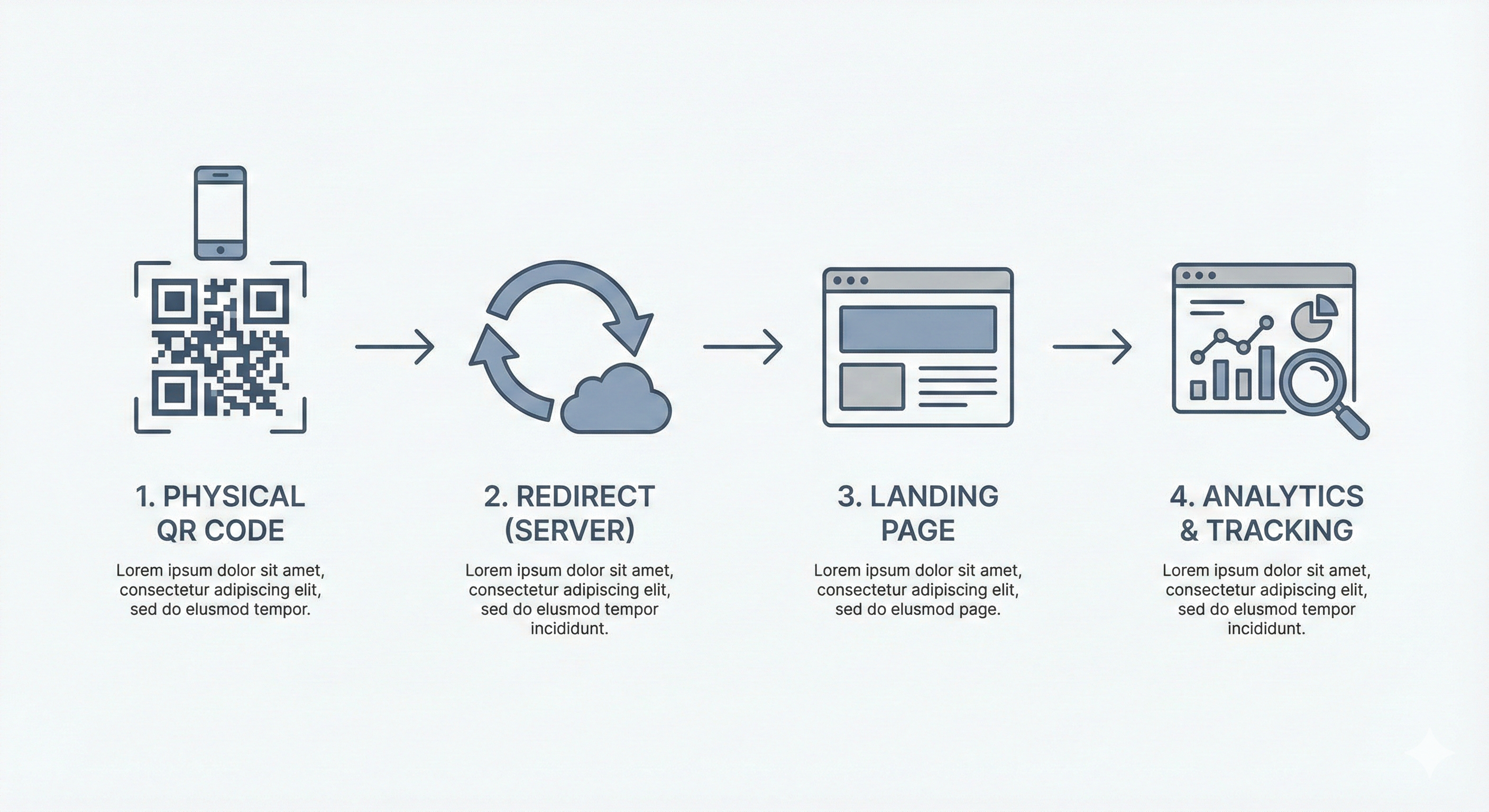
Method 2: URL Shorteners with Analytics
Services like Bitly, Rebrandly, or Short.io provide built-in click tracking.
How It Works
- Create a shortened URL (e.g., bit.ly/menu2026)
- Generate QR code using the short URL
- View analytics in the shortener's dashboard
What You Get
- Total clicks/scans over time
- Geographic breakdown (country, city)
- Referrer data
- Time-of-day patterns
- Device types (mobile vs. desktop)
Popular Services Compared
| Service | Free Tier | Pro Price | Best Feature |
|---|---|---|---|
| Bitly | 100 links/mo | $29/mo | Most reliable |
| Rebrandly | 500 links/mo | $29/mo | Custom domains |
| Short.io | 1000 links/mo | $20/mo | Cheapest paid |
| TinyURL | Unlimited | $9.99/mo | Simplest |
Shortener Limitations
- Another service to manage
- Dependency on third-party uptime
- Limited granularity
- No conversion tracking
Method 3: Dedicated QR Analytics Platforms
Purpose-built QR code platforms (like our Analytics subscription) provide the most detailed data.
What Premium Analytics Include
Scan Metrics:
- Total scans and unique scanners
- Scan frequency per code
- Repeat scan identification
- Real-time scan notifications
Location Data:
- GPS coordinates of scans
- City and country breakdown
- Heat maps of scan locations
- Radius filtering

Device Intelligence:
- iOS vs. Android breakdown
- Browser types
- Screen sizes
- Operating system versions
Time Analysis:
- Hourly scan patterns
- Day-of-week trends
- Seasonal variations
- Campaign timeline views
Advanced Features:
- A/B testing built-in
- Scan alerts and thresholds
- Export to CSV/Excel
- API access for custom dashboards
Setting Up Proper Tracking
Step 1: Define Your Goals
Before creating codes, answer:
- What action should scanners take?
- What does success look like?
- How will you use the data?
Step 2: Create a Tracking Plan
Document your approach:
| Campaign | QR Location | URL | Success Metric |
|---|---|---|---|
| Spring Sale | Store window | /sale?utm_... | Purchases |
| Menu | Tables 1-20 | /menu | Views |
| Feedback | Receipts | /feedback | Submissions |
Step 3: Set Up Conversion Tracking
Scans alone don't matter—actions do.
In Google Analytics:
- Set up Goals for key actions
- Create a segment for QR traffic
- Track goal completion rates by QR source
Key conversions to track:
- Purchases/signups
- Form submissions
- Time on site
- Pages per session
- Return visits
Step 4: Create Unique Codes per Placement
Never use one QR code everywhere. Create unique codes for:
- Each physical location
- Each campaign version
- Each design variation
- Each time period
Step 5: Review and Optimize
Set a regular review schedule:
- Weekly: Check scan volumes, spot issues
- Monthly: Analyze patterns, compare placements
- Quarterly: Major optimization decisions
A/B Testing with QR Codes
QR codes are perfect for A/B testing print materials.
How to Run a QR A/B Test
Test 1: CTA Text
- Version A: "Scan for Menu"
- Version B: "Scan for Today's Specials"
- Measure: Scan rate
Test 2: QR Code Size
- Version A: 1-inch QR code
- Version B: 1.5-inch QR code
- Measure: Scan success rate
Test 3: Placement
- Version A: Top-right of flyer
- Version B: Bottom-center of flyer
- Measure: Scan rate
Test 4: Color
- Version A: Black QR code
- Version B: Branded color QR code
- Measure: Scan success rate
A/B Testing Rules
- Only test one variable at a time
- Use equal distribution (50/50 split)
- Run for at least 2 weeks
- Need 100+ scans per variation for significance
Metrics That Actually Matter
Vanity Metrics (Less Useful)
- Total scans (without context)
- Impressions (can't measure with QR)
- "Engagement" (vague)
Actionable Metrics (More Useful)
- Scan-to-conversion rate: What % of scanners take action?
- Unique scanners: How many individuals scanned?
- Scan velocity: Are scans increasing or decreasing?
- Location performance: Which placements work best?
- Time-to-scan: How quickly do people scan after placement?
Privacy Considerations
Be transparent about tracking:
- Disclose tracking in privacy policy
- Don't collect more data than needed
- Comply with GDPR/CCPA if applicable
- Consider anonymous analytics for sensitive contexts
Quick Start Checklist
- ☐ Choose tracking method based on needs/budget
- ☐ Document UTM naming convention
- ☐ Create unique codes per placement
- ☐ Set up conversion tracking
- ☐ Schedule regular review meetings
- ☐ Plan first A/B test